
Operating System
AlmaLinux
Enterprise Linux compatibility for hosting, application, and business workloads.
910
Choose from ready-to-deploy Linux, BSD, and Windows Server templates, then select your server location and resources during deployment. Need something different? Bring your own compatible ISO.
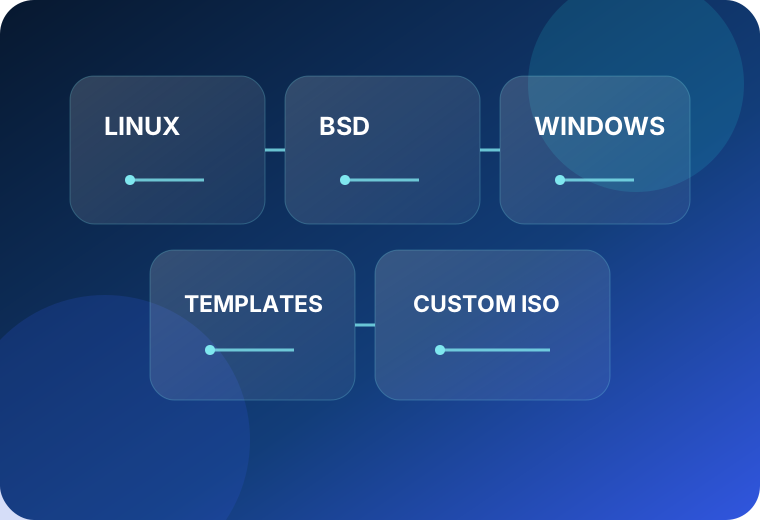
MSPClouds keeps common server operating systems close to the deployment workflow so MSPs can standardize builds, move customer workloads faster, and still keep flexibility for specialized systems.
Enterprise Linux compatibility for hosting, application, and business workloads.

Small, security-minded Linux images for lightweight services, containers, and appliances.

A flexible rolling-release Linux option for advanced users and custom environments.

Continuously delivered enterprise Linux for development, testing, and modern server workloads.

Stable, broadly supported Linux for web, application, database, and infrastructure services.

Current Fedora Server image for teams that want newer packages and fast-moving Linux features.

BSD-based operating system for networking, storage, security, and specialized server workloads.

Flexible Linux for development, infrastructure, automation, and enterprise-adjacent workloads.

Enterprise Linux compatibility for production servers, applications, and hosting environments.

Popular LTS cloud operating system with broad ecosystem support and familiar administration.

Microsoft server operating systems for .NET, Active Directory, IIS, SQL Server, and Windows workloads.
Template availability can vary by location, virtualization platform, licensing, and upstream release lifecycle. “LATEST” tracks the current MSPClouds Fedora template. Windows licensing may be billed separately.
Select a plan, choose the data center, pick an available operating system template, add access credentials, and deploy. The goal is a repeatable workflow your team can use across customer environments.
Use an MSPClouds-maintained template when speed matters, or upload a compatible custom ISO when you need a specialized distribution, appliance, installer, or internal image.
Choose a standard image for faster provisioning and repeatable server builds across customer environments.
Bring compatible installation media for specialized workloads that are not represented by a standard template.
Use rebuild workflows to repurpose development systems, lab environments, and customer servers without replacing the VPS.
Your MSP still needs predictable infrastructure, support, migration help, private networking, storage options, and a platform that is practical to quote and resell.
Common questions about templates, versions, Windows licensing, custom ISO images, rebuilds, and operating-system support.
Still have a question? Contact MSPClouds →Availability can vary by location and virtualization platform. The deployment interface is the source of truth for templates currently available in a selected location.
Compatible custom ISO deployment is supported for specialized operating systems and installation media. Your image must be compatible with the virtual hardware and service policies.
Windows licensing may carry an additional charge and is subject to Microsoft licensing requirements. Confirm the applicable license cost during ordering or with MSPClouds before quoting the workload to a customer.
It means the Fedora template follows the current version offered by MSPClouds rather than locking the page to a specific release number.
Rebuild workflows are intended to make repurposing a VPS straightforward. Rebuilding is destructive, so back up or migrate any data you need before changing the server image.
Standard VPS service provides infrastructure and platform support; operating-system administration remains the customer's responsibility unless a separate managed-service scope is purchased.
The current catalog on this page lists Ubuntu 24.04 and 26.04. Actual template availability remains subject to the deployment platform and release lifecycle.
Yes. Migration assistance is a core part of the MSPClouds positioning and can include mapping the source workload to an appropriate target plan and planning the move.